





Still on Dynamics GP? Here Is What Canadian Businesses Need to Do Before 2029
ByDishank Sharma

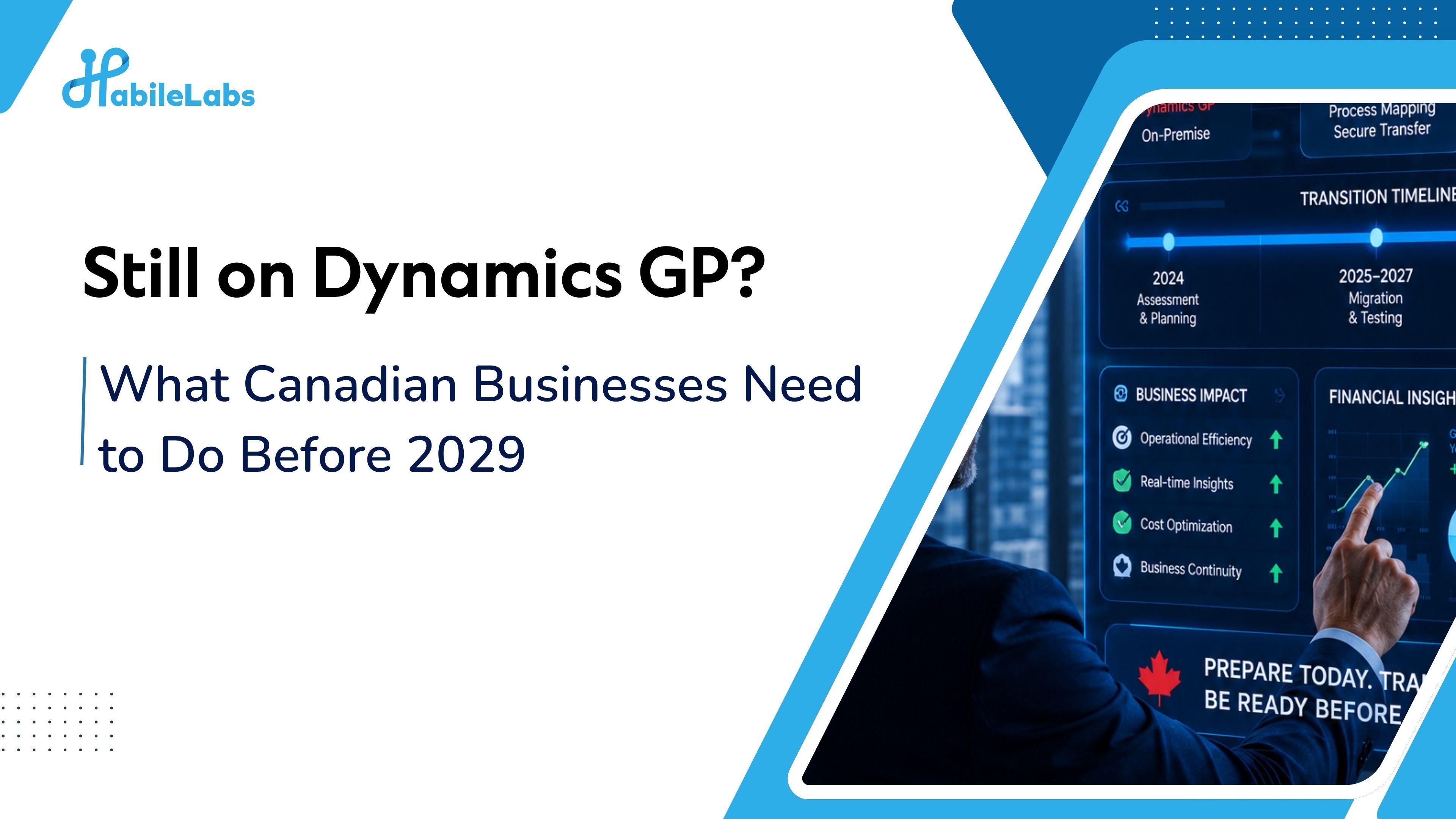
TLDR: Microsoft Dynamics GP's mainstream support ends September 31, 2029. After that date, Canadian businesses still running GP will stop receiving GST/HST tax table updates, CRA reporting changes, provincial payroll compliance updates, and security patches. For most Canadian organizations, a GP to Business Central migration takes between 6 and 18 months depending on complexity. That means if you haven't started planning by late 2026 or early 2027, you're cutting it dangerously close.
If your business has been running on Microsoft Dynamics GP for the last decade or more, you're not alone. GP has been a reliable workhorse for Canadian manufacturers, distributors, professional services firms, and financial services organizations since the early 2000s. It handled payroll, managed the general ledger, kept inventory moving, and did what it needed to do.
But Dynamics GP's end of life is now official, and for Canadian businesses the implications go further than a standard software sunset.
What Is Actually Happening to Dynamics GP?
The timeline is worth understanding precisely, because it involves multiple dates that are easy to confuse:
April 1, 2025: Microsoft stopped selling new perpetual GP licenses.
April 1, 2026: Microsoft stopped selling new subscription licenses for GP.
September 30, 2029: End of mainstream support. This is the critical date. After this point, Microsoft will no longer issue product enhancements, regulatory updates, or new tax table releases.
April 30, 2031: End of all security updates.
For most Canadian businesses, 2029 is the real deadline, not 2031. After mainstream support ends, GP will no longer receive Canadian payroll tax table updates, GST/HST rule changes, CRA reporting requirement updates, or provincial tax legislation changes including PST, QST, and employer health tax adjustments. Organizations running Canadian payroll on GP after that point will need to maintain those tables manually, which is both a compliance risk and an operational burden that grows every year.
The financial cost of staying is also rising. GP Enhancement Plan costs increased from 16% in 2021 to 20% in 2026. Migration discounts, meanwhile, have dropped from around 60% in 2021 to approximately 30% today. Every year of delay costs more and saves less.
Why This Is Different for Canadian Businesses?
Generic GP migration guidance, and there is a lot of it, tends to focus on the technical transition. The data model, the customizations, the integration landscape. That's all real and we'll cover it below.
But Canadian organizations face a layer of complexity that most migration guides treat as a footnote.
GST, HST, PST, and QST configuration is not automatic. Business Central supports Canadian multi-province tax correctly, but it doesn't configure itself. The tax setup in BC requires a dedicated mapping exercise that mirrors exactly how your GP environment was set up, including province-by-province rules, tax group assignments, and inter-provincial transaction handling. Organizations that skip a formal tax-mapping workshop during implementation tend to discover the gaps during UAT, at which point the fix is expensive and often delays go-live.
Canadian payroll has no native Business Central module. GP included Canadian payroll natively. Business Central does not. Canadian payroll in BC is handled through third-party extensions from vendors like Payroll by Sylogist or Nethris, sourced through Microsoft AppSource. This needs to be evaluated and selected early in the project, not as an afterthought. The integration between your chosen payroll extension and BC's financial modules needs to be configured, tested with real payroll scenarios, and validated against CRA requirements before go-live.
CRA reporting and T4/T5 handling needs explicit scoping. If your GP environment has been configured to produce CRA-compliant year-end reporting, that configuration does not transfer automatically. It needs to be rebuilt in BC with your chosen payroll solution and validated against current CRA requirements before the first payroll period in production.
Quebec operations add a bilingual and QST layer. Organizations with Quebec employees or customers need French-configured interfaces, bilingual report templates, and QST handling that reflects Quebec's specific rules. This is scoped separately from standard Canadian tax configuration.
What Business Central Actually Gives You?
The migration conversation is often framed as a compliance deadline. That's accurate, but it undersells the gap between what GP can do in 2026 and what Business Central can do.
GP is an on-premises system running on infrastructure your IT team maintains. It doesn't integrate natively with modern tools. Getting GP to connect to a current CRM, an e-commerce platform, or a third-party logistics system typically requires custom code that was expensive to build and is expensive to maintain.
Business Central is a cloud-native platform that updates automatically, integrates natively with Microsoft 365, Power BI, and Teams, and connects to hundreds of third-party applications through standard APIs. The 2026 Release Wave 1 introduced AI agents that are already live in Business Central: a Payables Agent that processes invoices and prepares approvals, and a Sales Order Agent that validates orders and checks inventory. Organizations still on GP cannot access these capabilities.
For Canadian mid-market businesses, the most relevant practical differences are:
Finance and reporting. Business Central's real-time financial reporting through Power BI gives finance teams access to up-to-date dashboards without exporting to Excel. Period-end close in BC is faster because reconciliation is built into the workflow rather than managed through separate processes.
Multi-entity and intercompany. For Canadian businesses with US operations or multiple legal entities, Business Central handles intercompany transactions and multi-currency natively, with the kind of consolidation reporting that typically required manual intervention in GP.
Accessibility. GP requires a VPN to access from outside the office. Business Central runs in a browser. For businesses that shifted to hybrid work and haven't fully solved the remote access problem, this alone justifies the conversation.
For Businesses planning the move or still considering it, Microsoft has already sweetened the pot with Microsoft's active incentive called Bridge to the Cloud 3 (BTC3). It offers a 30% Business Central discount locked in for 3 years, running through December 2027, and it includes dual-use rights (for businesses running GP and BC in parallel during migration rather than a hard cutover).
How Long Does the Migration Actually Take?
This is where most organizations underestimate the project.
According to migration data across the Canadian market, realistic timelines by environment size are:
- 10 to 25 users, simple operations: 3 to 5 months, approximately $80,000 to $150,000 CAD
- 20 to 50 users, standard mid-market: 5 to 7 months, approximately $150,000 to $300,000 CAD
- 50 plus users, complex multi-entity or multi-province: 9 to 18 months, $300,000 CAD and above
The variables that push timelines longer are almost always the same: data quality issues discovered after migration starts, customizations in GP that need to be rebuilt or replaced in BC, payroll and integration complexity that wasn't scoped in discovery, and change management that was underestimated or started too late.
The organizations that complete GP to Business Central migrations on time and on budget are the ones that started with a serious discovery phase, not a sales conversation. Discovery that maps actual data quality, documents every customization and integration, scopes Canadian tax and payroll requirements explicitly, and produces a realistic project plan with buffer for the inevitable surprises is what separates a clean migration from one that runs six months over.
The Five Things to Do Before the Migration Starts
1. Audit your data before anyone starts configuring BC.
GP environments accumulate years of duplicate vendors, inactive customers, inconsistent account structures, and orphaned records. Migrating dirty data into Business Central doesn't clean it. It just means your new system starts with the same problems your old one had, except now those problems affect AI-driven forecasting and automated workflows. Data cleanup inside GP, before migration starts, is the single highest-value thing most organizations can do to reduce project risk.
2. Document every customization and integration.
GP customizations that have been in place for years are easy to forget about until migration reveals them. Build a complete inventory of every modification, every third-party integration (payroll, banking, CRM, warehouse, e-commerce), and every custom report. For each one, decide: does this need to be rebuilt in BC, replaced with a standard BC feature, replaced with an AppSource extension, or retired? That decision should be made before the project starts, not during configuration.
3. Evaluate payroll solutions early.
Because Business Central doesn't include Canadian payroll natively, payroll solution selection needs to happen in discovery, not during implementation. The leading options for Canadian businesses include Payroll by Sylogist and other AppSource-certified Canadian payroll extensions. Whichever solution you choose, its integration with BC's financial modules needs to be explicitly scoped, and testing against CRA and provincial requirements needs to be built into the project plan.
4. Run a dedicated Canadian tax-mapping workshop.
GST, HST, PST, and QST configuration in Business Central needs to mirror your actual business operations, including province-by-province rules, product and service tax group assignments, and any inter-provincial or cross-border scenarios your business runs regularly. This is not something to configure during implementation and test at UAT. It needs to be mapped in detail before configuration starts and validated in a test environment that uses real transaction data.
5. Plan for change management from day one.
Fewer than a quarter of ERP implementations include a focused organizational change management program, according to 2026 research. The systems that struggle after go-live almost always have a common pattern: the technology works, but the team wasn't ready for it. Training needs to be role-specific, not generic. Internal champions who own the system post-implementation need to be identified and prepared before go-live, not after.
How HabileLabs Helps Canadian Businesses Move Off GP?
At HabileLabs, we work with Canadian organizations navigating this specific transition, and we've seen what goes wrong often enough to know where the risk actually lives. It's rarely the technology. It's the Canadian-specific complexity that generic migration approaches treat as standard when it isn't.
Our GP to Business Central migrations start with a structured discovery engagement that maps your actual environment: data quality, customizations, integrations, Canadian payroll requirements, multi-province tax configuration, and CRA reporting obligations. From that discovery, we build a project plan with realistic timelines, explicit scoping of Canadian-specific workstreams, and a payroll solution recommendation based on your specific requirements.
We handle the migration itself end to end: data cleanup and migration, Business Central configuration including Canadian tax and payroll setup, integration rebuilds, testing with real Canadian payroll and tax scenarios, user training, and go-live support. We stay involved after go-live because that's when questions surface and when the investment in the platform starts paying off.
If your GP contract or support situation is making the 2029 deadline feel real, the right time to start the conversation is now. Connect with the HabileLabs team for a GP environment assessment.