





AWS Migration Services Explained: The Toolkit for Moving to AWS
ByDishank Sharma

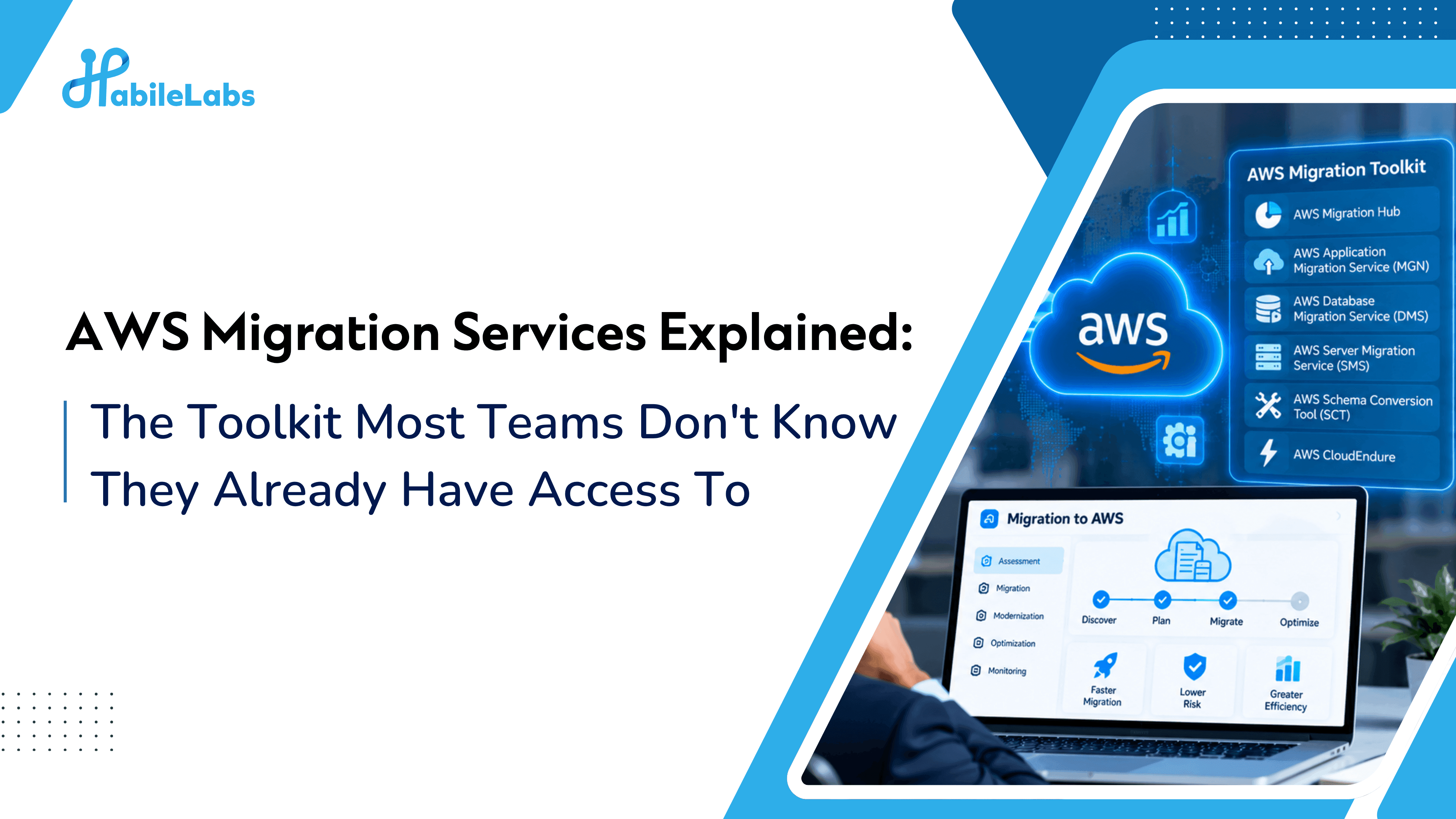
Table of contents
Most teams think of AWS as a destination, a place to move your servers, your database, your app. What they don't realize is that AWS also ships the moving truck, the packing materials, and a good chunk of the labor cost, as a full suite of purpose-built migration tools, most of which go unused simply because nobody on the team knew to look for them.
If you've already decided AWS is your destination (or you're comparing it against Azure and GCP), this is the part that actually determines how smooth, fast, and cheap the move turns out to be. Here's every core AWS migration service explained in plain English, and which part of your migration it's actually built for.
Quick Overview: AWS migration services are the tools AWS provides to discover, plan, move, and fund a migration. The core set covers discovery (Application Discovery Service), business case (Migration Evaluator), servers (Application Migration Service), databases (Database Migration Service), and bulk data (DataSync). Pair them with the right strategy, and with AWS cloud migration services from an AWS Partner, to cut risk and downtime.
The Core AWS Migration Toolkit
AWS Migration Hub - Mission Control for the Whole Project
A single dashboard to track the status of every workload migration in progress, regardless of which other AWS migration tool is doing the actual moving. If you're migrating more than a handful of workloads, this is what keeps the project from turning into a spreadsheet nobody trusts.
AWS Application Discovery Service - The Inventory Step, Automated
Scans your existing on-premises environment, servers, dependencies, performance data, and builds a data-backed picture of what you actually have before you migrate anything. This is the tool version of “assess before you move,” and it removes the guesswork from that step.
AWS Migration Evaluator - The Business Case Builder
Takes your current infrastructure data and models what it would actually cost to run on AWS, so you can build a real TCO comparison instead of guessing whether cloud will be cheaper. Useful for getting budget sign-off before committing to a full migration.
AWS Application Migration Service (MGN) - The Lift-and-Shift Engine
AWS's primary rehost tool: it replicates your existing servers, virtual or physical, into AWS with minimal changes, letting you cut over with a short, controlled downtime window. This is the tool behind most “rehost” migrations, fast, low-risk, and a common first move for teams under deadline pressure.
AWS Database Migration Service (DMS) - The Careful Mover for Your Riskiest Asset
Moves databases into AWS, including between different database engines (Oracle to Amazon Aurora, for instance), while keeping the source database operational during the move. This is what makes near-zero-downtime database migration realistic instead of a weekend of crossed fingers.
AWS DataSync - Bulk Data, Moved Fast
Automates large-scale data transfer between on-premises storage and AWS, handling the encryption, scheduling, and validation so terabytes of files don't have to move manually or over a fragile script someone wrote at midnight.
AWS Snow Family (Snowball, Snowcone) - When Your Internet Connection Is the Bottleneck
Physical devices AWS ships to you: you load your data onto them locally, then ship them back for AWS to upload directly into your account. Built for situations where the sheer volume of data would take weeks to transfer over a standard internet connection, more common than it sounds for data-heavy SMBs and media-heavy startups.
AWS Elastic Disaster Recovery (DRS) - Migration's Close Cousin
Technically a disaster recovery tool, but frequently used as a migration path too, since it works by continuously replicating your servers into AWS. Worth knowing about even if DR isn't your primary goal, because the underlying mechanism doubles as a low-risk way to stage a migration.
Note: AWS previously offered a standalone Server Migration Service (SMS); AWS has been consolidating server migration functionality into Application Migration Service (MGN) in recent years. Confirm current tool availability on AWS's own migration services page before planning around a specific tool name, service naming and availability change.
Which Tool Matches Which Migration Strategy
If you've already worked out your migration strategy per workload (the 7 R's: rehost, replatform, repurchase, refactor, relocate, retain, retire), here's how the AWS toolkit lines up:
| Strategy | Primary AWS Tool | What It Actually Does For You |
|---|---|---|
| Rehost | Application Migration Service (MGN) | Replicates servers into AWS with minimal changes |
| Replatform | DMS + MGN together | Move as-is, but swap in a managed database along the way |
| Refactor | Migration Hub + native services | Track progress while rebuilding on serverless/containers |
| Relocate | Application Migration Service (MGN) | Move VMware workloads into AWS with minimal reconfiguration |
| Retain / Retire | Application Discovery Service | Identifies what's unused or dependency-locked before you decide |
Table of contents
The Programs That Help You Pay For It
Tools are only half the picture. AWS also runs two programs specifically designed to reduce the cost and risk of migrating in the first place:
-
AWS Migration Acceleration Program (MAP): AWS's funding and methodology program for larger migrations, offering incentives, tooling credits, and a structured 3-phase approach (Assess, Mobilize, Migrate and Modernize), typically accessed through an AWS partner rather than applied for directly.
-
AWS Activate: Startup-focused cloud credits that can offset the cost of a migration entirely in the early stages, tiered by funding stage and often easier to access at higher tiers with a partner's help.
If AWS Has All This Tooling, Why Use a Partner at All?
Because the tools handle the mechanics of moving data, not the judgment calls around it: which workload gets which strategy, how to sequence a multi-app migration without breaking dependencies between them, how to apply for MAP funding or a higher Activate credit tier, and how to configure everything to be compliant from the first day, not the day a client asks. The tools are genuinely good. Knowing which one to reach for, and how to combine them without creating a mess, is still the part that takes experience.
Let's put the AWS toolkit to work on your actual migration.
HabileLabs is an AWS Advanced Tier Partner with Generative AI and SMB Competency, with hands-on experience running MGN, DMS, and Migration Hub across real VMware, Azure, and Oracle migration tracks, plus direct experience helping startups access AWS Activate credits and MAP funding.
Talk to HabileLabs about which AWS migration tools your workloads actually need: branding@habilelabs.io | habilelabs.io
Note: AWS service names, features, and program terms are updated by AWS over time. Confirm current tool names, availability, and MAP/Activate terms on AWS's official pages before publishing or quoting specifics externally. Azure and GCP migration toolkit guides follow as parts 2 and 3 of this series.