





Document Management System for NBFCs - Shared Drives vs Legacy DMS vs Cloud-Native DMS
BySaloni Seth

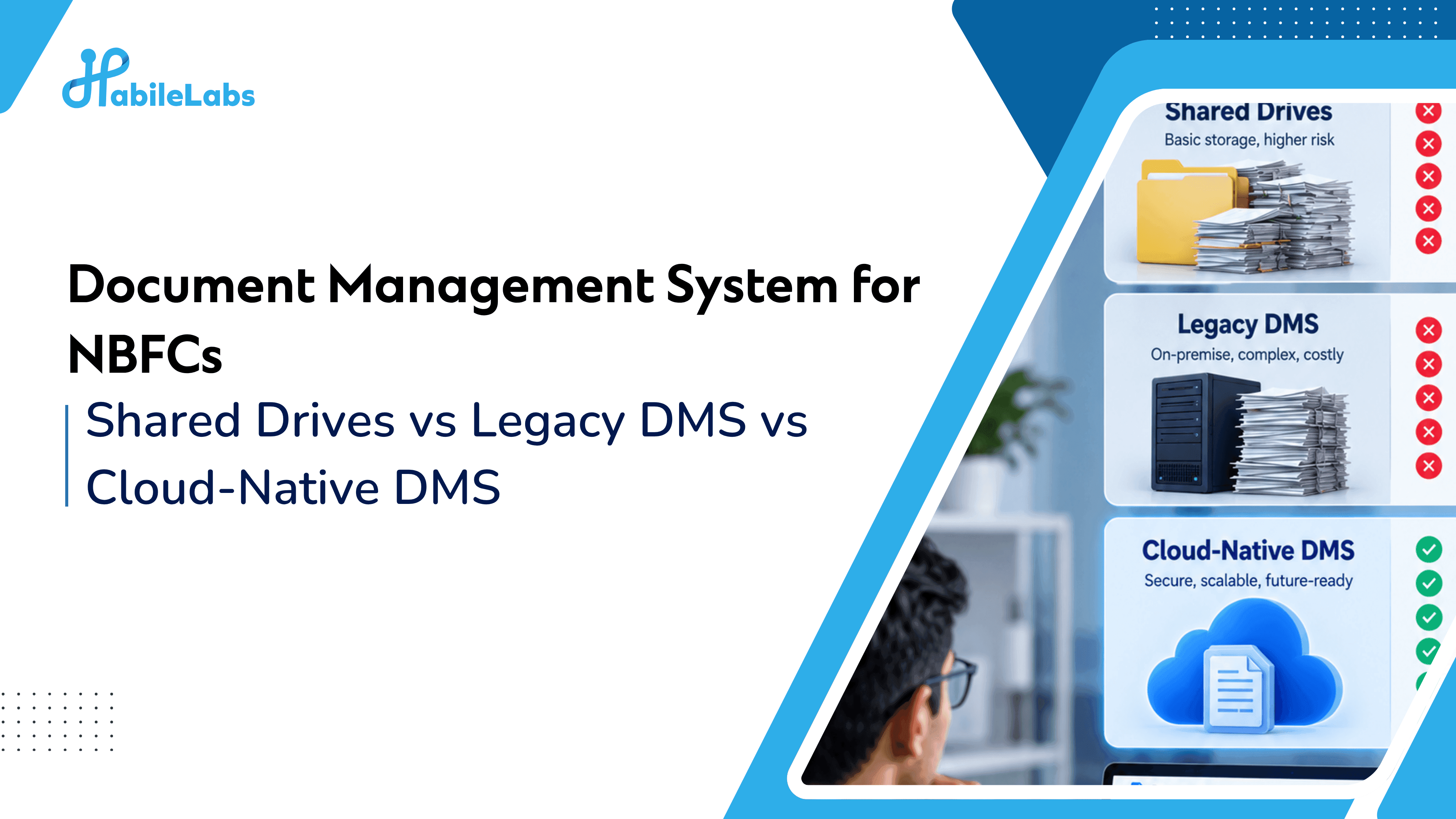
TL;DR: Most NBFCs are running some combination of four document environments at once - branch shared drives, an on-prem legacy DMS, generic cloud storage folders, and (sometimes) a purpose-built lending DMS. Each has a different answer to the questions that actually matter: how fast can you retrieve a file, who can prove who accessed it, and is Aadhaar and PII exposure under control. This comparison scores all four against those criteria so you can see exactly where your current stack sits.
The real question isn't "do we need a DMS"
Almost every NBFC already has something holding loan documents. The real question is which model your document estate is actually running on today, and whether that model can support the governance and retrieval standards regulators - and your own operations team - now expect.
Your loan book grew. Did your document infrastructure grow with it?
Comparison: four document environments NBFCs actually run
| Criteria | Branch shared drives / local storage | Legacy on-prem DMS | Generic cloud storage (Drive, Dropbox, generic SharePoint) | Cloud-native DMS built for lending |
|---|---|---|---|---|
| Retrieval speed | Slow - depends on who filed it and how | Moderate - indexed, but often by folder, not metadata | Moderate - good for individual files, weak at scale | Fast - metadata and bulk search designed for loan files |
| Audit trail | Effectively none | Partial - logs exist but are rarely reviewed | Minimal - access logs exist, not built for regulatory audit | Built-in, designed for compliance review |
| Role-based access control | Ad hoc, varies by branch | Present but often coarse-grained | Present but generic, not loan-workflow-aware | Granular, mapped to lending roles and workflows |
| DPDP Rule 6 alignment (masking, access logs, monitoring) | Not supported | Rarely supported natively | Not designed for this | Designed for regulated document handling |
| Scalability as loan volume grows | Breaks down quickly | Expensive to scale, hardware-bound | Scales, but costs and sprawl grow with it | Built to scale with lending volume |
| Integration with LOS / LMS / CRM | None | Limited, often custom-built | Limited, generic APIs at best | Designed for integration into lending systems |
| Disaster recovery | Branch-dependent, high risk | Often untested, single-site | Provider-dependent | Built-in DR as part of cloud-native architecture |
| Cost model | Hidden cost - staff time, errors, delays | High capex, hardware refresh cycles | Predictable but scales with sprawl, not with governance | Operating cost tied to actual document lifecycle needs |
What each environment actually costs you?
Branch shared drives / local storage
Symptom: Loan files spread across branches, multiple versions of the same document, no consistent naming, and retrieval that depends on which employee remembers where something is filed.
Business consequence: Slower audits, slower customer servicing, and effectively zero ability to answer "who accessed this document" if asked. This is the highest-risk, lowest-visibility state a document estate can be in.
Legacy on-prem DMS
Symptom: A DMS exists, but it was built for a smaller loan book and a simpler compliance environment. Search is folder-based rather than metadata-based. Hardware refresh cycles are expensive. Scaling means buying more infrastructure, not just onboarding more users.
Business consequence: The system works - until volume or a new regulatory requirement (like DPDP Rule 6's masking and access-monitoring expectations) exposes what it wasn't built to do.
Generic cloud storage
Symptom: Someone moved documents to Drive, Dropbox or a generic SharePoint instance to solve an immediate access problem. It works well for individual files. It was never designed for loan-file workflows, metadata-based bulk search, or the audit-trail granularity regulated lending requires.
Business consequence: Document sprawl migrates from physical branches to cloud folders - the underlying governance gap doesn't close, it just moves.
Cloud-native DMS built for lending
Symptom: None, if implemented well - which is the point. Metadata-based search, bulk retrieval, version control, role-based access mapped to lending workflows, and an audit trail designed to be reviewed rather than just logged.
Business consequence: Retrieval time drops from hours to minutes. Audit preparation shifts from a weeks-long scramble to a query. Access and masking controls are built to support DPDP Rule 6 rather than bolted on afterward.
Where this fits in the document lifecycle?
Document infrastructure for a regulated lender isn't a single decision - it's a staged maturity path:
- Digitisation - physical documents become digital (the starting point; this happens before a DMS decision is relevant)
- Storage & Retrieval / Modernisation - moving from fragmented storage to a governed, searchable, cloud-native DMS
- Governance - DPDP and RBI-aligned access control, audit trails and masking layered on top of storage
- Intelligence - automated classification, extraction and document processing on top of a governed repository
Most of the NBFCs still running shared drives or a legacy on-prem DMS are stuck between stages 1 and 2 - which means governance and intelligence are both blocked, because you can't govern or automate what you can't consistently search and retrieve.
Self-check: where does your document estate actually sit?
- Can any authorised employee retrieve a specific customer's full loan file in under a minute, from anywhere?
- If an auditor asked "who accessed this Aadhaar document, and when," could you answer immediately?
- Is your document environment the same across every branch, or does each branch effectively run its own system?
- When your loan book doubles, does your document cost and complexity double with it, or scale more efficiently?
- Is your current DMS a system of record for lending workflows, or a general-purpose file store that lending happens to use?
If most answers point to the left two columns of the comparison table, the gap isn't ambition - it's infrastructure that was never built for regulated lending at your current scale.
Where HabileLabs fits?
HabileLabs positions document infrastructure - not "storage" - as the foundation regulated lenders build on. DocuSwift is built as a cloud-native DMS for lending: metadata and bulk search across loan files, version control, role-based access, approval workflows and an audit trail designed for regulatory review, running on AWS-native architecture with disaster recovery built in rather than bolted on.
This is infrastructure work, paired with cloud architecture and security review where legacy systems are the actual constraint - not a single point tool.
As a reference point: HabileLabs worked with 20+ NBFCs using DocuSwift on AWS-native infrastructure, with data masking and disaster recovery built in.
Next step: A Document Infrastructure Assessment maps your current environment against this comparison directly - showing where your document estate sits today and what a realistic modernisation path looks like, without assuming you need to replace everything at once.
Continue the series: