





Your Team Will Not Trust Salesforce Until the Data Inside It Is Right.

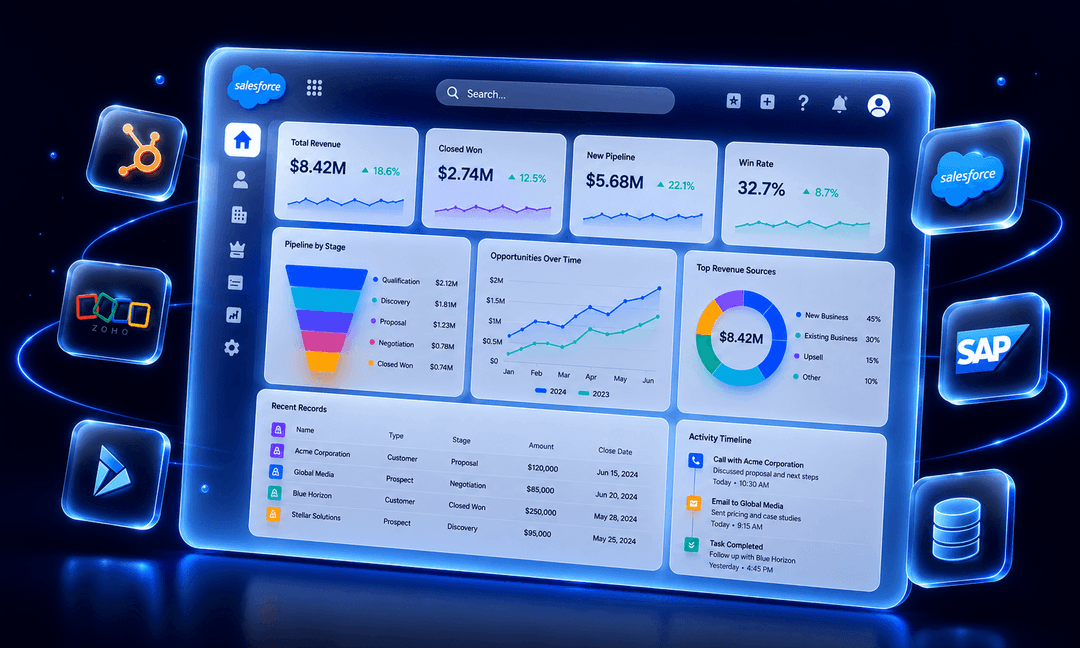
HabileLabs migrates CRM data to Salesforce for SMBs and growing businesses from HubSpot, Zoho, Microsoft Dynamics, SAP, and custom-built systems.
We map every field, clean duplicate records, validate every record, and run a full parallel check before a single record moves to production. The migration does not close until the data in Salesforce matches what came out of the source.

Six Steps. No Shortcuts.


Step 1 — Discovery and Data Audit
We inventory every source system, assess data volumes, and identify quality issues before anything is touched. You get a clear picture of what is being migrated, what needs cleaning, and what the risks are — before the project starts.
Step 2 - Field Mapping
Every field from your source system mapped to the correct Salesforce object and field accounts, contacts, leads, opportunities, custom objects, relationships. Every decision is documented. Nothing is assumed.
Step 3 - Cleaning and Transformation
Deduplication, format standardization, null handling, relationship repair. We do not migrate the mess. We clean it first, then move it.
Step 4 - Test Migration
A full dry run into a Salesforce sandbox. Validation checks against the source data, error logs reviewed, every issue resolved before anything touches production.
Step 5 - Parallel Validation
Record counts and field values compared across every object between source and destination. Discrepancies are investigated not explained away.
Step 6 - Go-Live Migration
Zero-downtime cutover to production, executed to a defined schedule with monitoring throughout. A documented rollback plan is in place before go-live begins.
Salesforce Did Not Disappoint. The Migration Did.
A company invests in Salesforce and three months later the sales team challenges every report because the numbers do not match what they remember from the old CRM. The platform is fine. The data that was moved into it is not.
Years of HubSpot or Zoho data with duplicate contacts, inconsistent formats, and no clear owner migrated as-is; the mess in the new platform is worse than in the old one.
The legacy system is being retired. The data inside it represents five to ten years of customer relationships. Nobody has a clean export or a mapped field list.
The previous migration attempts corrupted relationship data contacts orphaned from accounts, opportunities without owners, file attachments that did not transfer.
Salesforce went live, and the sales team immediately challenged the first dashboard. Three versions of the same company are under different names. No trust from day one.
Certifications Are Easy to Put on a Proposal. Experience Is Not.
Data migration is the part of every Salesforce project that looks simple in a proposal and creates the most damage when it goes wrong. Most partners underestimate it. A bad migration corrupted records, broken relationships, missing attachments, is discovered after go-live, when fixing it costs far more than doing it right would have.
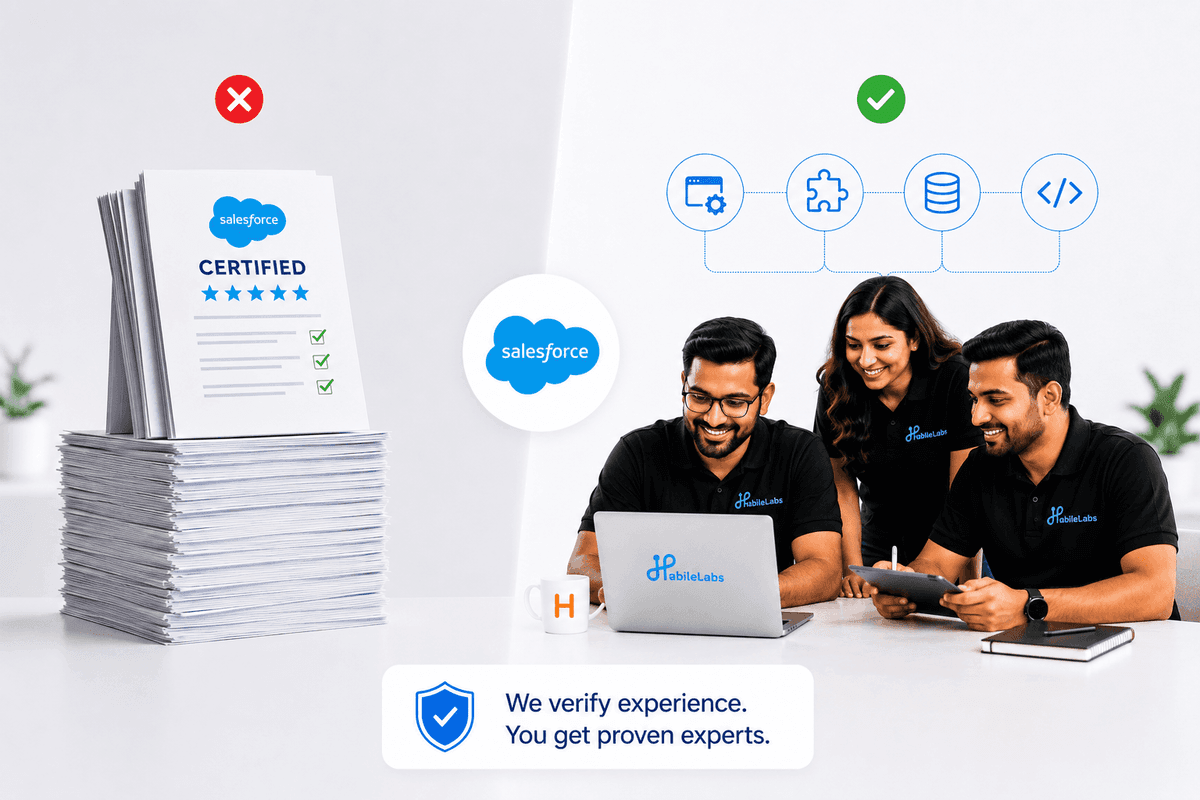
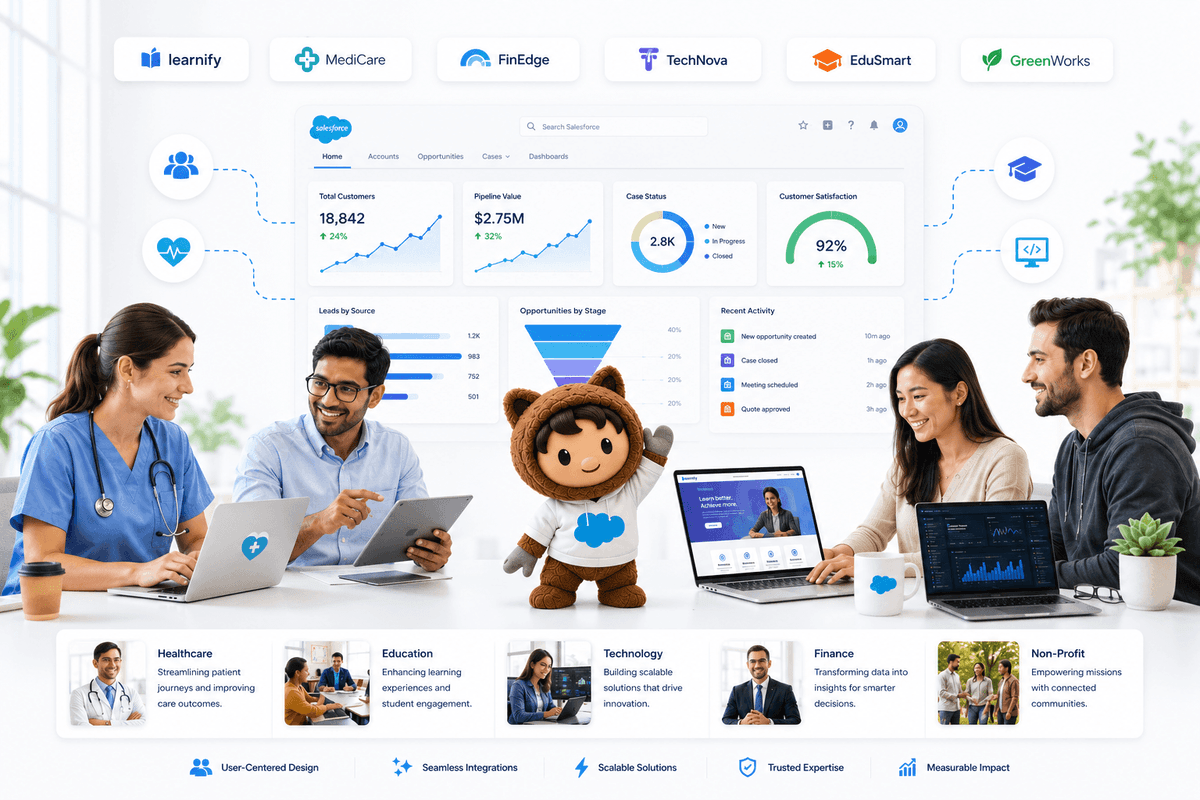
HabileLabs has run data migrations across 39 completed Salesforce projects. We verify migration experience, not just certifications. Every migration is led by someone who has cleaned, mapped, validated, and moved data in environments like yours not one learning the process on your timeline.
Our Salesforce Journey So Far
Where We Move Data From
HubSpot to Salesforce
Deals, contacts, companies, notes, email history, custom properties
Zoho CRM to Salesforce
Leads, accounts, contacts, opportunities, activities, custom modules
SAP to Salesforce
Customer master data, sales orders, service history
Microsoft Dynamics to Salesforce
Accounts, contacts, opportunities, cases, relationship data
Custom-built databases and spreadsheet-based CRMs
Structured export, mapping, and migration
Pipedrive and other SMB CRMs
Full contact and pipeline migration
This Is the Right Service If:
- You are moving from HubSpot, Zoho, Dynamics, SAP, or any other CRM to Salesforce and need it done without data loss.
- You are an IT head with a hard go-live date and no margin for a failed migration.
- You have been through one bad migration and will not risk another.
- You are retiring from a legacy system that holds years of critical customer data.
- You are live on Salesforce already but the team does not trust the reports because the data came across wrong.
Not All Salesforce Migration Partners Are Equal. Here Is What Sets HabileLabs Apart.


Salesforce Select Partner - Verified by Salesforce
As a Salesforce Select Partner, HabileLabs has been vetted for expertise in Salesforce implementation which includes data migration as a core delivery competency. That is Salesforce's own assessment.

Migration Is Embedded in 42 Completed Projects
Data migration is not a side service for HabileLabs. It is part of most of the 39 Salesforce projects we have completed. We have migrated from every major CRM and from bespoke databases that nobody else wanted to touch.

We Sign Off When the Data Is Right
We do not hand over a completed migration report and move on. We stay until your team is using the data with confidence. Post-migration sign-off is part of the engagement, not an optional extra.

Expert You Meet Is Who Runs the Migration
We have a strict no-moonlighting, no-shadowing policy. The migration specialist who scopes your project is the one executing it. No junior handoff after the proposal is signed.
Customers who trusted us on Salesforce Data Migration





What Our Clients Say

The team is openly communicative and our stakeholders are impressed with their work culture and ethics.
— Client via Clutch
Frequently Asked Questions
How long does a Salesforce data migration take?
Do you migrate email history, notes, and attachments?
What happens to data that is too dirty to migrate cleanly?
Can HabileLabs fix a migration that a previous partner got wrong?
Tell us what you are trying to build. We will tell you honestly if we can help.
No pitch deck. No discovery call that turns into a sales call. Just a direct conversation with the expert who would actually work on your project before you commit to anything.


