Lower compute spend
Rightsized Amazon EC2, AWS Graviton where workloads support it and Auto Scaling remove idle capacity. Prashant Foundation cut compute spend by up to 30–35% with Graviton and Auto Scaling.
For teams whose AWS bill keeps growing faster than their usage: we find idle and oversized resources, fix Savings Plans and Reserved Instance coverage, and set up FinOps governance that keeps spend in check.
AWS Partner, Advanced Tier Services
AWS cost optimization services reduce what you pay for Amazon Web Services without reducing what your workloads need, by removing idle resources, rightsizing compute and databases, improving Savings Plans and Reserved Instance coverage and setting up FinOps governance. HabileLabs, an AWS Advanced Tier Services Partner, does this for enterprises, SaaS platforms and growing businesses, and offers Refine, a free tool that reviews an AWS bill and finds hidden spend.
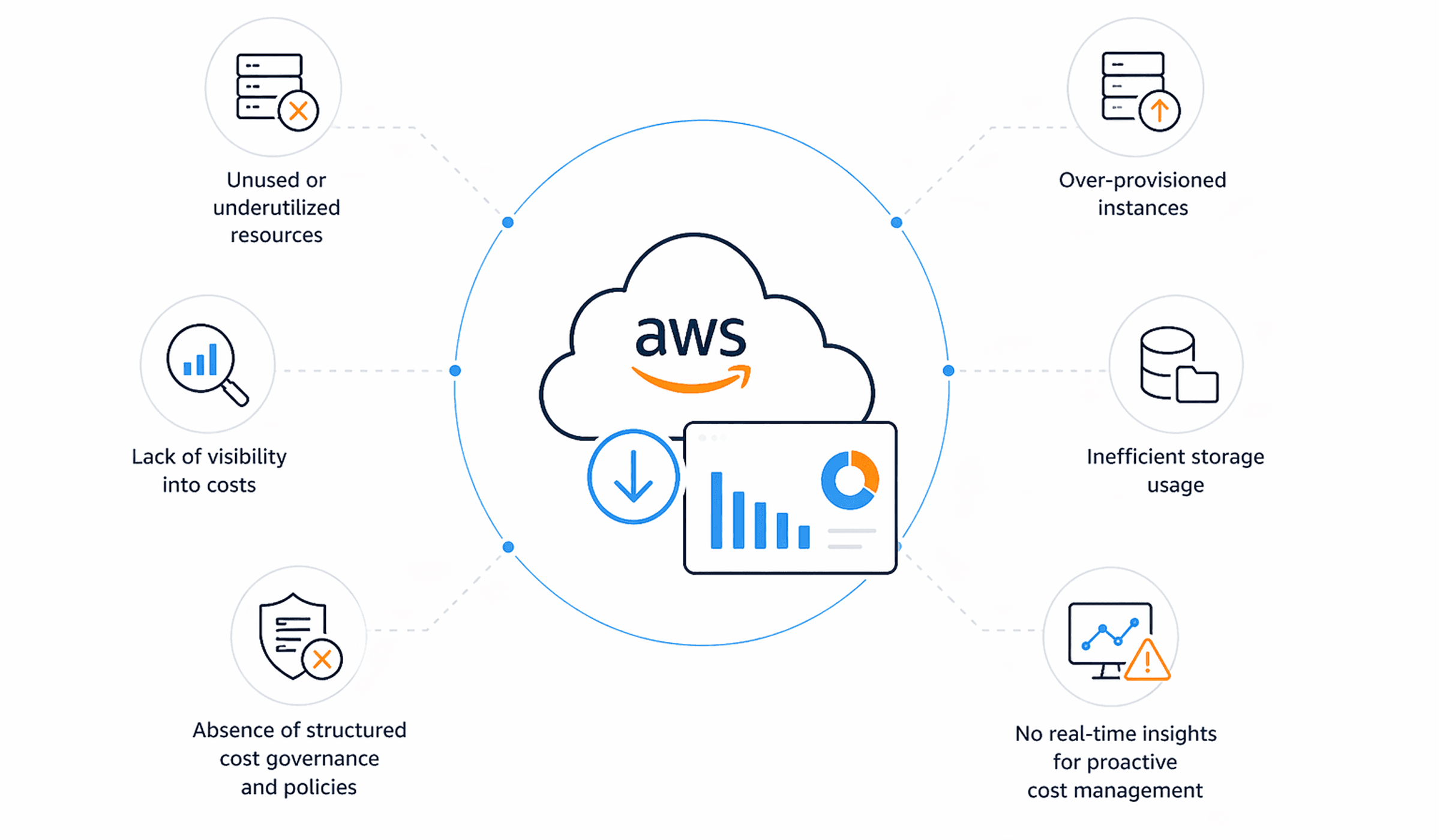
Teams usually ask for a cost review when one of these shows up on the bill:
We find where the money goes, fix it with your team and put guardrails in place so the same waste does not come back.
What our clients gain, and the change behind each saving.
Rightsized Amazon EC2, AWS Graviton where workloads support it and Auto Scaling remove idle capacity. Prashant Foundation cut compute spend by up to 30–35% with Graviton and Auto Scaling.
AWS has validated us for Amazon EC2 for Windows Server, and we size Windows workloads to their load. JNU cut compute costs by about 28% on multi-AZ EC2 Windows Server.
Cost allocation, dashboards and reports show spend by team, product and environment, so every line on the bill has an owner.
Savings Plans and Reserved Instances bought against measured, steady usage and reviewed as it changes, instead of guessed once a year.
Amazon RDS instances and storage rightsized, with clear rules for how long snapshots, backups and older data are kept.
Budgets, alerts and policy-based guardrails catch new waste, such as a test environment left running, before it reaches the monthly bill.
From a first look at your bill to continuous FinOps reporting, delivered by AWS-certified engineers.
Refine, our free tool at refine.habilelabs.io, reviews your AWS bill and points to hidden spend you can reduce. A quick first look before a full assessment.
Usage patterns and billing data analyzed across compute, storage and networking to find exactly where spend is leaking, with savings ranked for you.
Instance types, sizes and database storage matched to measured load, including AWS Graviton and Windows Server options, while keeping the performance you need.
Advice from AWS-certified engineers on what to commit to and for how long, based on your actual usage history.
Policy-based controls, budgets and alerts that stop idle or oversized resources from building up again.
Dashboards, budgeting and forecasting for your regular AWS spend, so cost changes are visible as they happen rather than at month-end.
Four stages. Nothing changes in your AWS accounts until you have approved the plan.
We analyze usage patterns and billing data to find where spend is leaking. Refine gives you a free first pass on your bill.
We set out a roadmap of rightsizing, storage, commitment and governance changes, with the expected effect and effort of each.
Once you approve the plan, we make the changes with cost tools and automation, workload by workload.
We set up real-time tracking, alerts and automated policies so spend stays visible and new waste is caught early.
Client results on AWS
They reduce your Amazon Web Services bill without cutting what your workloads need. Typical work includes finding idle and oversized resources, rightsizing Amazon EC2 and Amazon RDS, improving Savings Plans and Reserved Instance coverage, optimizing storage and setting up FinOps governance so the savings last.
It depends on how your environment is built and how capacity is bought. Our clients' results include compute spend cut by up to 30–35% (Prashant Foundation), compute costs cut by about 28% (JNU) and cloud costs about 30% lower (Elixir InfoTech). A free assessment or a Refine review shows the figure for your own accounts.
Start with the largest lines on the bill. Rightsize compute and databases to measured load, switch off idle resources, cover steady usage with Savings Plans or Reserved Instances, optimize storage and set budgets with automated governance. Prashant Foundation cut compute spend by up to 30–35% with AWS Graviton and Auto Scaling.
FinOps is the practice of bringing financial accountability to cloud spending. Engineering, finance and business teams share visibility of what each workload costs, so decisions about capacity and commitments are made on data rather than estimates.
Rightsizing means choosing the resource configuration, such as the Amazon EC2 instance type and size, that matches what a workload actually uses. It reduces cost without reducing performance when it is based on measured usage and tested before the change goes live.
Yes. Refine, a free tool from HabileLabs at refine.habilelabs.io, reviews your AWS bill and finds hidden spend you can reduce. For a full review of your architecture and commitments, request a free cost optimization assessment from this page.
It should not, if it is done on measured data. We size resources to real load, balance cost against the performance your workloads need and roll out changes only after you approve the plan.
Cost governance is the set of policies, budgets, alerts and controls that keep cloud spending within agreed limits. In practice it means every cost has an owner, budgets alert before they are exceeded and automated policies stop waste, such as a forgotten test environment, from building up.
Start with a free review of your bill in Refine, or tell us about your AWS accounts and an AWS-certified engineer will come back with ranked savings opportunities.